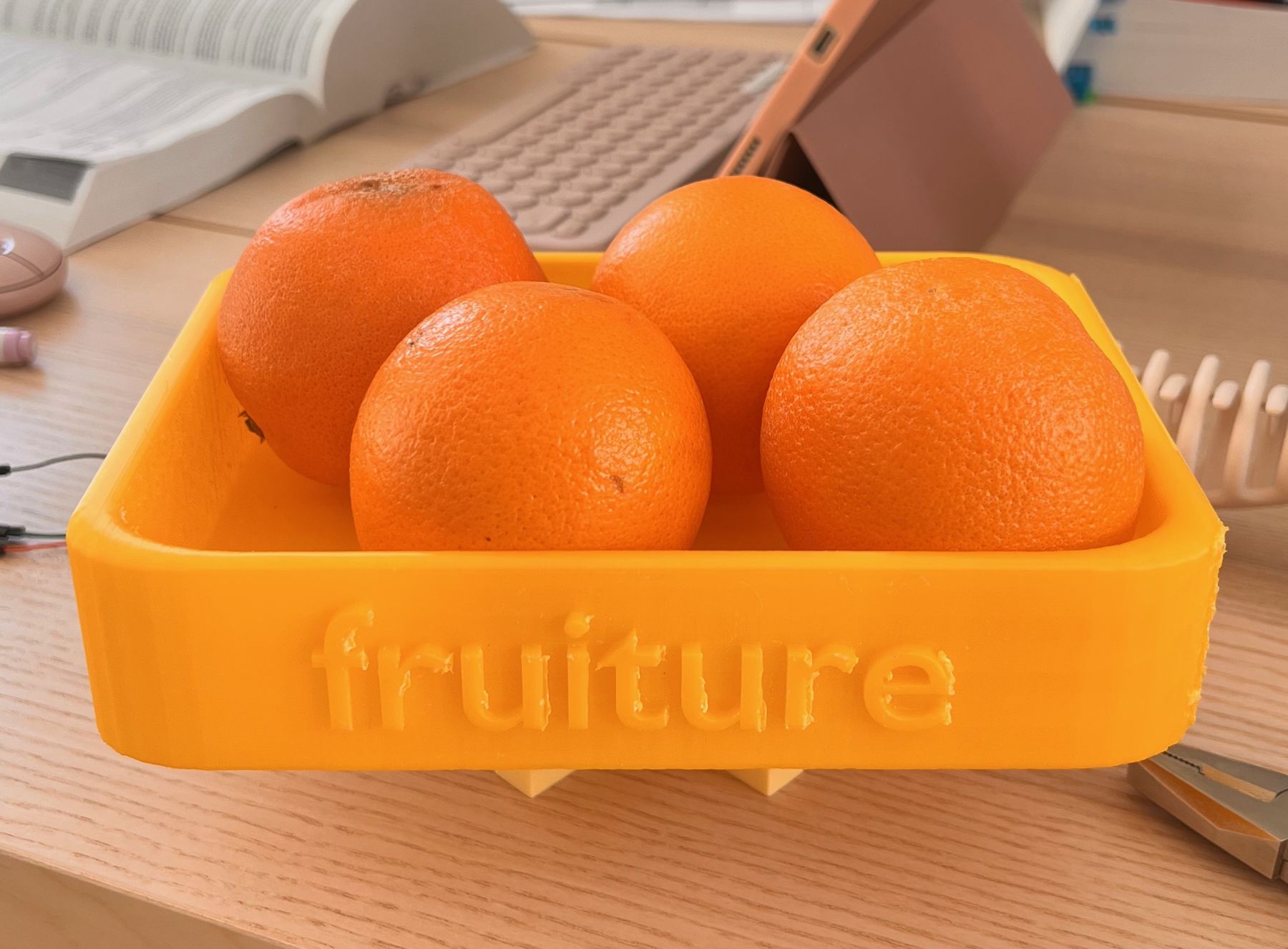
A smart fruit box and companion app that help young professionals eat their daily 200 grams of fruit. The box weighs what you take, and the app turns that into gentle, playful motivation.
The problem
Only about 18% of Dutch adults eat the recommended 200 grams of fruit a day. Young professionals between 25 and 30 with office jobs are a clear risk group: busy days, no routine and no fruit in sight. Most of them want to eat more fruit and forget to.
Research
I combined literature research with interviews among working twenty-somethings, and turned the findings into a persona, customer journey and stakeholder analysis covering employers, health organisations and supermarkets. A competitor analysis showed that apps depend on manual logging, while physical initiatives lack any follow-up.
I translated the findings into a MoSCoW list of requirements, each linked to the research behind it.
Concepts
Brainwriting with classmates and a session with Nakko led to three directions: a smart bracelet, a smart fruit bowl and a smart lunchbox. I chose the lunchbox: it fits a habit people already have, taking food to work, and it can track fruit by weight.
The app
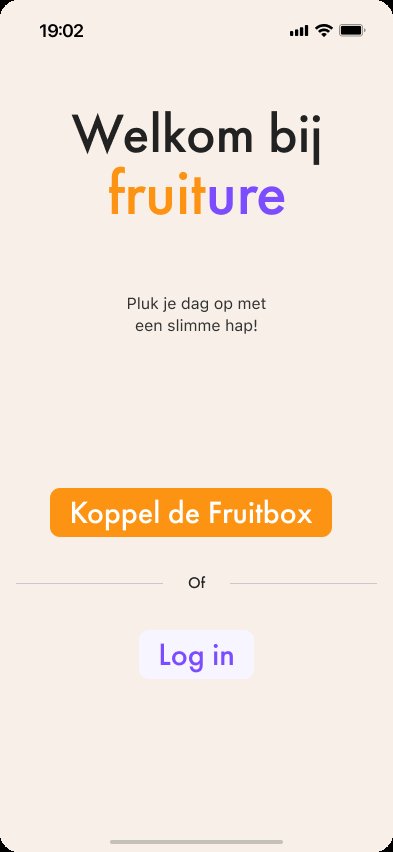
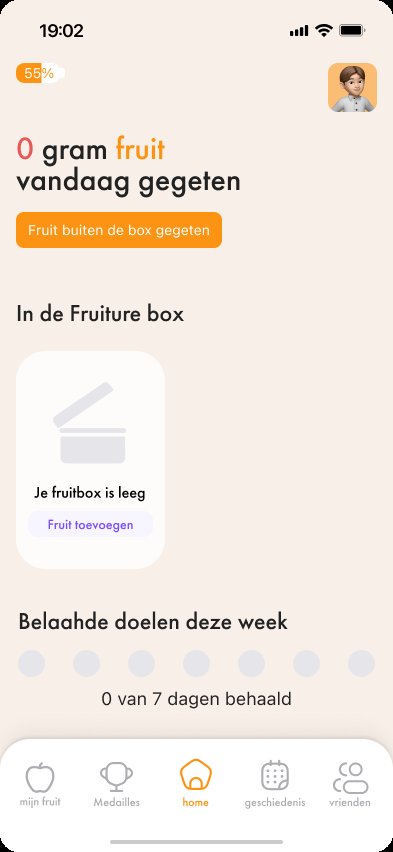
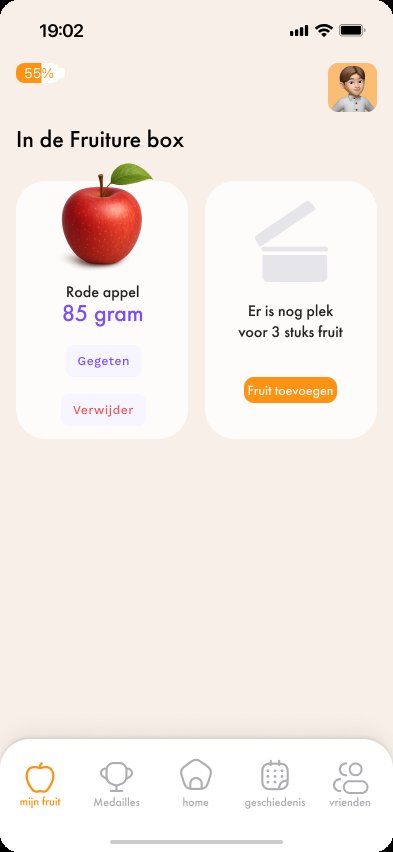
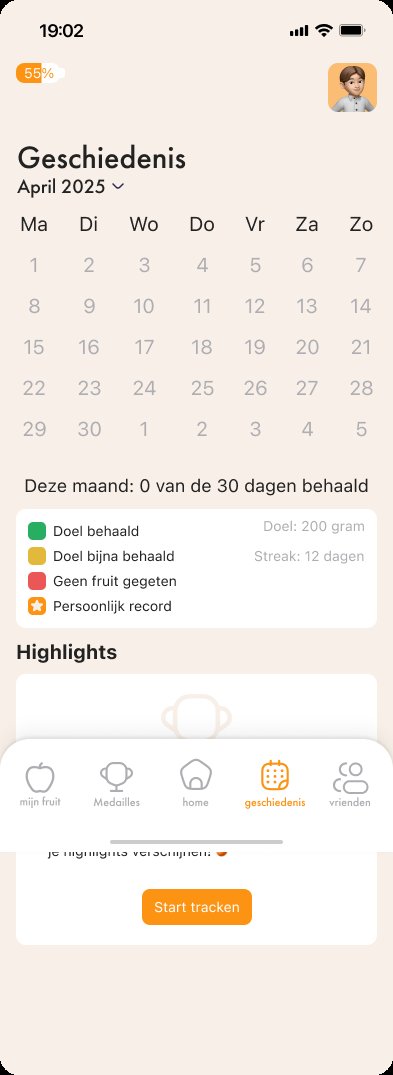
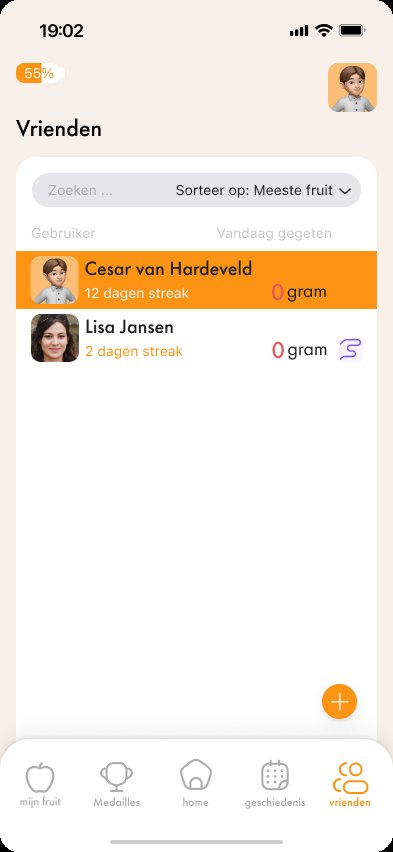
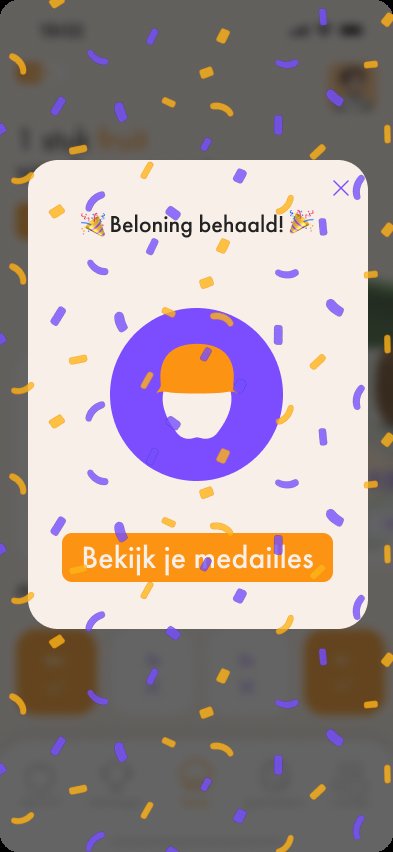
From wireframes to three high-fidelity versions, I tested every screen in a feedback session, user tests and think-aloud tests. The tests led to changes like counting grams instead of pieces, greying out medals you haven’t earned yet, showing nudge buttons only for friends who haven’t reached their goal, and a privacy mode for the leaderboard.
Reminders stay positive, and you choose your own goal and reminder times.
The box
The box has four compartments and a load cell in its base. When you take out a piece of fruit, the change in weight tells the app what you ate and how much.
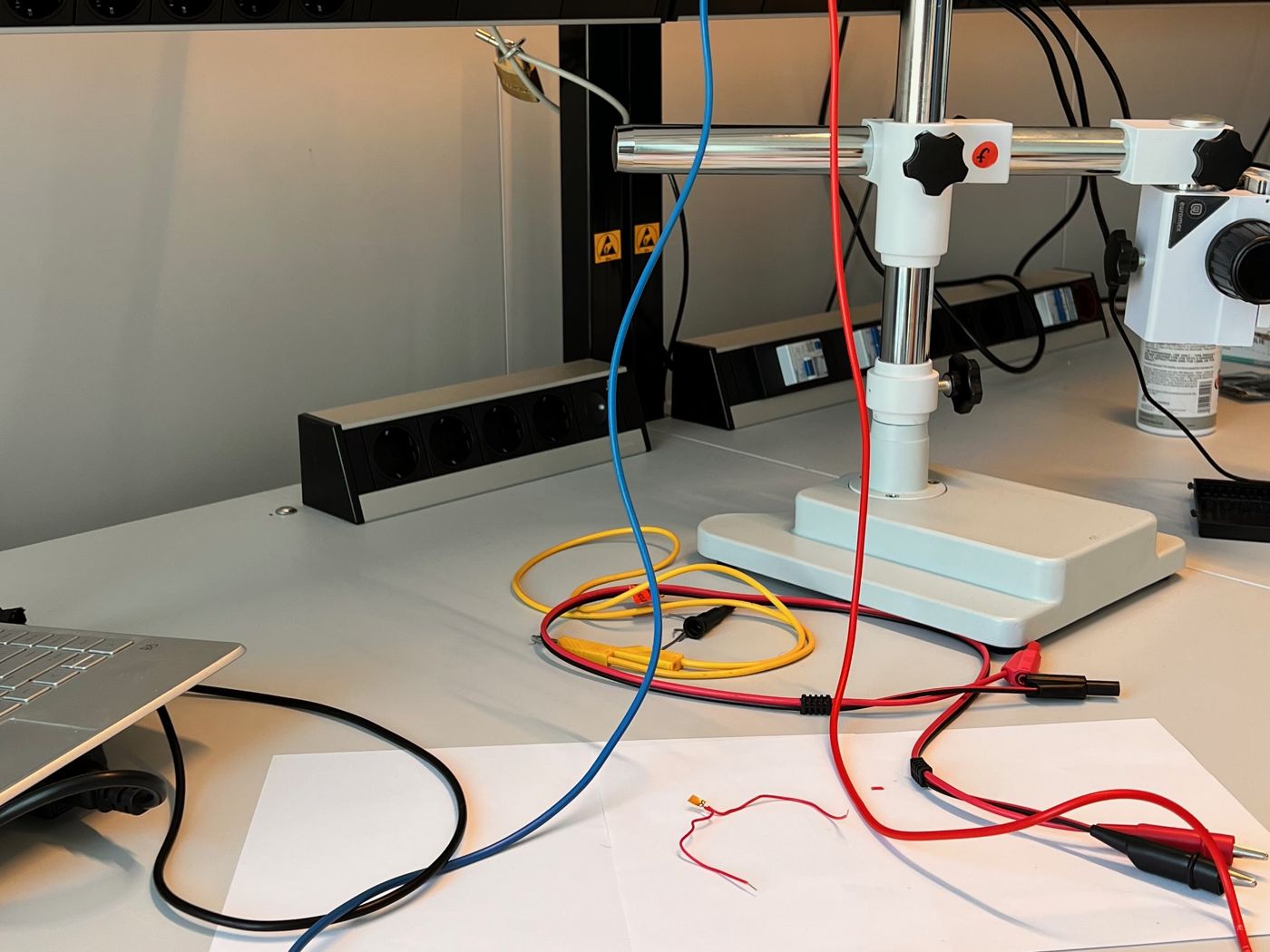
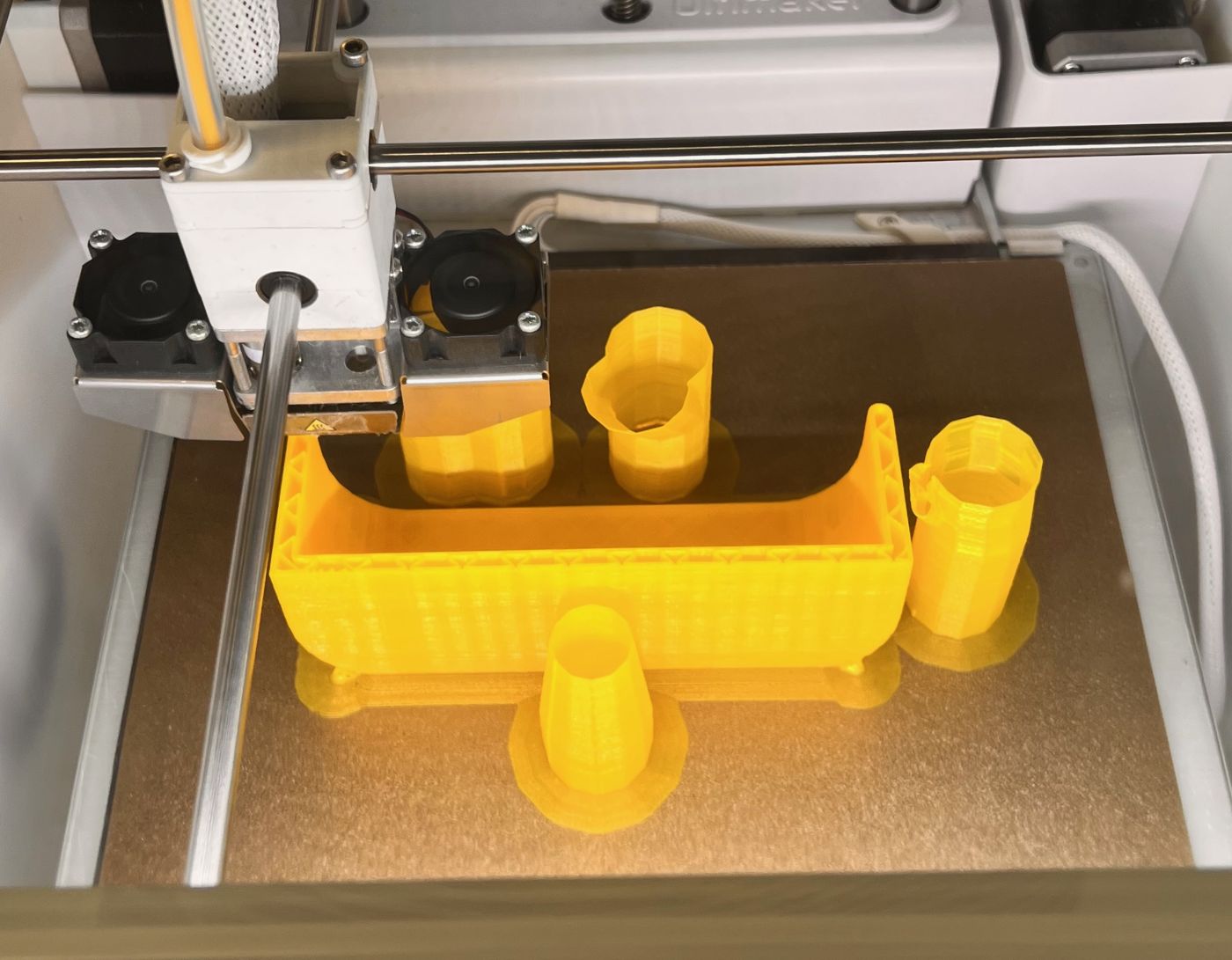
The hardware took several attempts. Strain gauges were too small and unreliable, a 1 kg load cell with an HX711 amplifier couldn’t carry the box, and a stronger load cell with a 3D-printed mount gave correct readings. During testing, the Arduino served a small web interface with the live weight.
Reflection
Think-aloud tests showed that users understood the app, and I fixed each confusing moment in the next iteration. I ran out of time for a long field test with the hardware, which is what it would take to prove lasting behaviour change.
In a market-ready version the Arduino would only be a sensor, sending weight over Bluetooth to a native app. My advice: long-term field trials, broader audiences and integration with platforms like Apple Health.
Design rationale
Key pages from the design rationale (in Dutch). Tap a page to read it.
See it in action
Digital and physical prototype
A walkthrough of the app and the fruit box working together (in Dutch).